
The best way to send finished files to clients
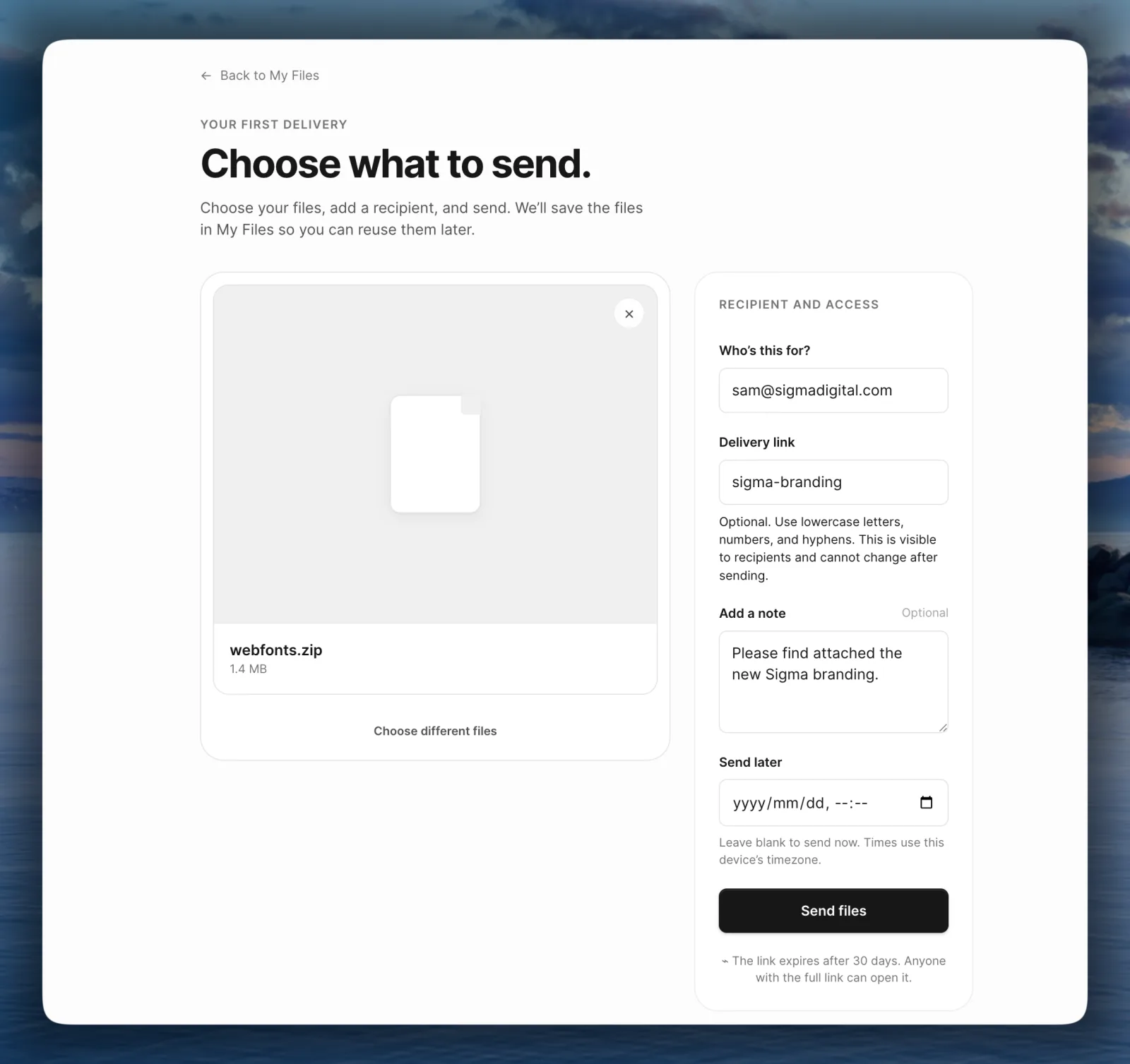
The work is done. Now you have to get 4 GB of it to somebody who isn't technical, doesn't want an account and will ask you to resend it in a month.
There are four ways people do this. Which one suits you comes down to a question worth asking before you pick: what do you need to happen after you press send?
Three things separate the options
Most people only care about one or two of these, and knowing which ones decides the rest.
- Whether the files reach the client without them signing up for anything
- Whether the delivery looks like it came from you
- Whether you find out they got it
Email attachments
Gmail stops at 25 MB and plenty of corporate mail servers stop lower. A finished video, a photo set or a layered source file won't go this way, and the ones that squeeze through arrive compressed or split in two.
It's the only option on the list that needs nothing from the recipient, which is why people keep trying it first.
A transfer service
WeTransfer and tools like it exist because attachments don't work. The free tier stops at 2 GB, the recipient clicks a link and the files come down. No account, no folder, nothing to explain.
What you give up is that the link belongs to whoever holds it, and the page carries the service's name rather than yours. For a one-off that's a fair trade.
A shared drive link
Google Drive and Dropbox are already open on your machine, so sharing a folder takes seconds. The problem arrives later.
You're giving somebody standing access to a folder in your account, and nothing tells you to take it away. A year on you have twenty of them and no idea who can still reach what. The client also has to be signed in as the right person, which is the support call you'll get on a Friday.
A delivery tool
The fourth option treats the handover as its own thing with a beginning and an end. That's what Campsend does: one recipient, a page carrying your name and colors, a link that expires after 30 days and a record of when the delivery was opened and first downloaded.
It costs more setup than dragging a file into an email. You upload, you address it to one person and you write a note. For work you hand over every week, that's the trade you want. Client file delivery covers what a delivery carries.
So which one?
If you send finished work a few times a year and nobody asks whether it arrived, a transfer service is the right answer and you can stop reading.
If the handover is how you get paid, the three things at the top start to matter. You want the client to see your name, you want the link to stop working on its own, and you want to know they downloaded it before you chase them. How to know if a client downloaded a file goes through what each tool can tell you.
Or send one and see which end of that you're on.